
Two-Factor Authentication (2FA): The Complete Guide to Modern Account Security
Passwords are no longer enough. Learn why 2FA is essential for protecting your business from modern cyber threats and meeting compliance requirements.
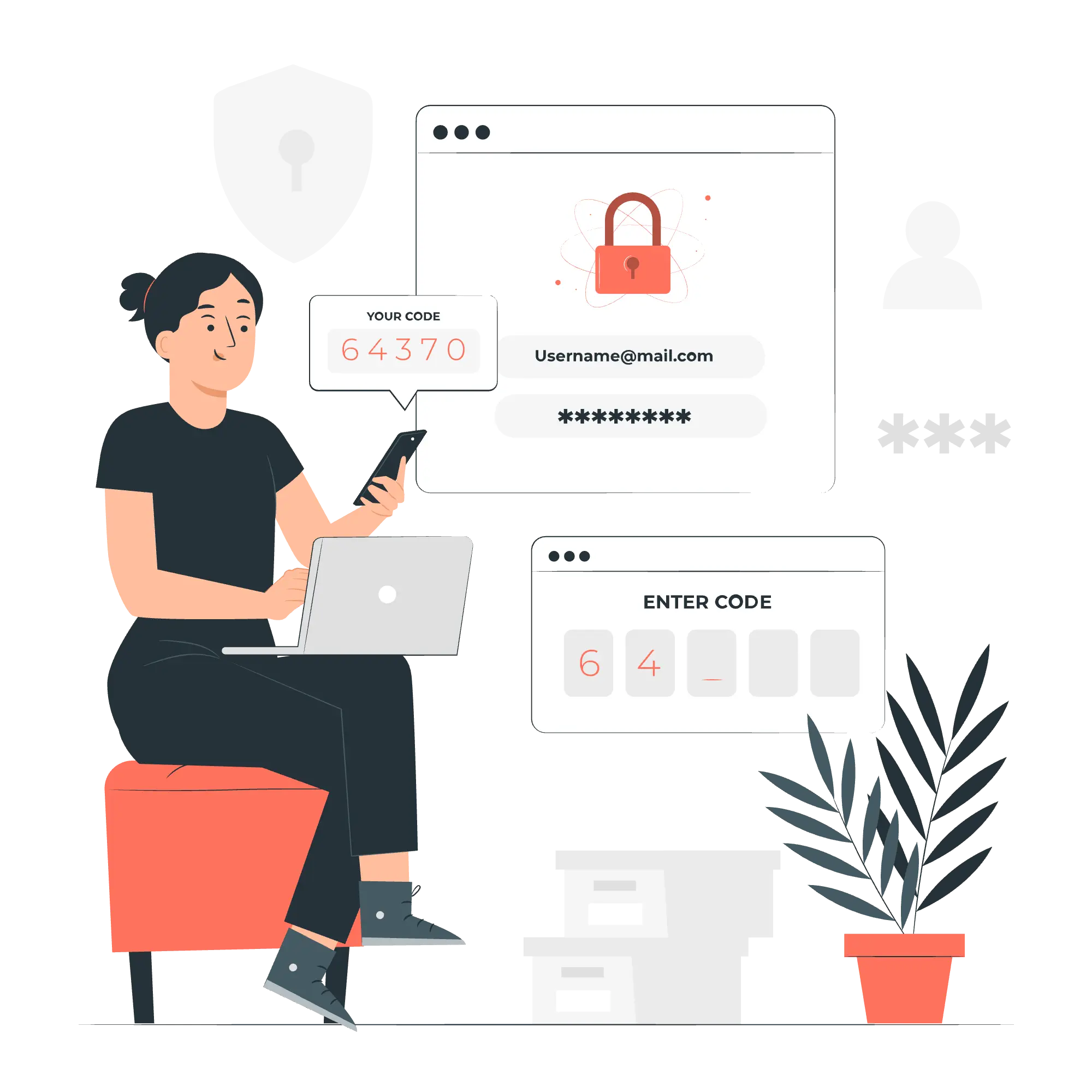
Illustrations by Storyset
Why Your Password Alone Is No Longer Enough
You read about data breaches every week. What often gets buried in the headlines is that over 80% of these breaches involve compromised passwords. The truth is simple: in today's digital landscape, passwords alone are about as effective as locking your door but leaving the keys under the mat.
The solution? Two-Factor Authentication (2FA)—the non-negotiable security standard that adds a critical second layer of protection to your accounts and data. This two-factor authentication guide will show you why it's the bedrock of modern account security.
What Exactly is Two-Factor Authentication (2FA)?
Two-Factor Authentication (2FA) is a security process that requires users to provide two different types of identification before accessing accounts. These factors fall into three categories:
- Something you know - Your password or PIN
- Something you have - Your phone, security key, or authenticator app
- Something you are - Biometrics like a fingerprint or facial recognition
By requiring a factor from two different categories, 2FA ensures that even if attackers steal your password, they still can't access your account without the second piece of the puzzle.
How Does Two-Factor Authentication Work? Building a Secure Bridge to Your Data
The 2FA process creates a secure, two-step verification bridge between you and your accounts:
- Initial Login Attempt - You enter your username and password as usual.
- Second Factor Trigger - The system recognizes a valid password and prompts for the second authentication method.
- Verification - You provide the required second factor (e.g., a code from an app, a tap on a security key).
- Access Granted - Only after both factors are successfully verified are you granted access.
This simple extra step prevents approximately 99.9% of automated attacks and significantly reduces the risk of account takeover.
Types of Two-Factor Authentication Methods
1. Authenticator Apps (TOTP)
- How it works: Apps like Google Authenticator or Authy generate Time-based One-Time Passwords (TOTP).
- Best for: The ideal blend of security and convenience for most business and personal accounts.
- Advantages: Works offline, more secure than SMS, and widely supported.
2. Push Notifications
- How it works: A secure approval request is sent directly to an app on your mobile device.
- Best for: User-friendly business environments where ease of use is critical.
- Advantages: Extremely easy to use—just tap "Approve" or "Deny."
3. Security Keys (U2F/FIDO2)
- How it works: Physical devices (like YubiKeys) that you plug into your computer or connect via NFC. These devices use cryptographic protocols to prove your identity.
- Best for: High-security environments, privileged accounts, and maximum phishing protection.
- Advantages: Provides the strongest level of protection available against phishing attacks.
4. SMS-Based Verification
- How it works: A code is sent via text message (SMS).
- Best for: A better-than-nothing option for low-risk personal accounts.
- Limitations: Considered the least secure method due to vulnerabilities like SIM-swapping attacks.
How to Enable 2FA on Key Accounts
While the exact steps vary by service, the process to set up two-factor authentication is generally similar:
- Navigate to your account Security or Privacy settings.
- Look for an option named "Two-Factor Authentication," "2FA," "Two-Step Verification," or "Multi-Factor Authentication."
- Choose your preferred method (e.g., Authenticator app).
- Scan the provided QR code with your authenticator app (like Google Authenticator or Authy).
- Enter the code generated by the app to verify the setup.
- Securely store the provided backup codes—they are vital for account recovery.
Why 2FA is Non-Negotiable for Modern Businesses
1. It's a Core Compliance Requirement
Two-Factor Authentication is explicitly required or strongly recommended by many security and privacy programs:
- SOC 2: SOC 2 programs commonly evaluate authentication, access controls, and how systems protect data.
- ISO 27001: ISO 27001-aligned programs expect secure authentication practices for systems and network access.
- GDPR: Article 32 expects appropriate technical measures for security, where MFA is often part of a reasonable control set.
- Singapore's PDPA: The PDPC's guide to data protection encourages MFA as a key technical safeguard.
- Financial Industry Regulations: MAS and other regulators increasingly expect 2FA for accessing financial systems.
2. It Provides Unmatched Security Benefits
- Prevents Account Takeovers: Renders stolen passwords useless on their own.
- Blocks Phishing Attempts: Attackers can't phish a second factor as easily as a password.
- Protects Against Breaches: Shields your accounts even if a service you use has its password database leaked.
- Safeguards Privileged Access: Adds a critical barrier for admin accounts and sensitive data.
3. It Builds Business Resilience and Trust
- Reduces Cyber Insurance Premiums: Many insurers now require 2FA for the best rates.
- Demonstrates Due Diligence: Shows clients and partners you take the protection of their data seriously.
- Creates a Culture of Security: Makes security a visible and integrated part of your daily workflow.
Implementing 2FA: A Best Practice Framework for Organizations
Phase 1: Strategy & Selection
- Identify Critical Assets: Pinpoint which systems (email, financial software, admin panels) need the highest protection.
- Choose Your Methods: Select 2FA methods that balance your security needs with user experience (e.g., Authenticator apps for most, security keys for admins).
- Develop a Policy: Create a clear policy outlining who needs to use 2FA and for which systems.
Phase 2: Rollout & Communication
- Start with Champions: Begin implementation with IT staff and leadership to work out any kinks.
- Communicate Clearly: Explain the why and how to users well before the rollout. Frame it as a benefit, not a burden.
- Provide Ample Support: Offer training, clear setup guides, and designate someone to help with issues.
Phase 3: Maintenance & Evolution
- Monitor Enrollment: Track who has and hasn't enabled 2FA.
- Have a Backup Plan: Ensure there are documented account recovery processes to avoid lockouts.
- Stay Updated: Keep an eye on new authentication technologies like passkeys.
NewLedger's Commitment to Enterprise-Grade 2FA
At NewLedger, security is our foundation, not a feature. Our built-in Two-Factor Authentication is designed to keep your financial data safe without getting in your way.
Our 2FA Implementation Includes
- TOTP Authenticator Support: seamlessly works with Google Authenticator, Authy, Microsoft Authenticator, and others.
- Flexible Deployment: Easily enforce 2FA for your entire team or let users enable it at their own pace.
- Compliance readiness by design: Our implementation supports SOC 2-ready and ISO 27001-aligned security programs, forming a key part of our security posture.
Your Action Plan for Implementing 2FA
This Week (Quick Wins)
- Enable 2FA on your personal email account.
- Secure your password manager with the strongest 2FA method it offers.
- Protect your NewLedger account by enabling an authenticator app.
This Month (Team-Level Security)
- Audit your company's critical accounts (cloud infrastructure, banking, admin logins).
- Begin a phased 2FA rollout for your team, starting with the most sensitive systems.
- Document a recovery process in case of lost devices.
This Quarter (Organization-Wide Policy)
- Formalize a 2FA policy in your employee handbook.
- Achieve full 2FA enrollment for all employees on all critical systems.
- Review your setup and explore stronger methods like security keys for administrators.
Frequently Asked Questions (FAQ)
Q: Is 2FA really necessary? Can't I just use a strong, unique password?A: While a strong password is vital, 2FA is essential because it protects you in the event that your password is stolen through a breach, phishing, or malware. It adds an entirely separate layer of defense.
Q: What happens if I lose my phone or security key?A: Most services, including NewLedger, provide "backup" or "recovery" codes during the 2FA setup process. You must store these securely (e.g., in a password manager, printed in a safe place) as they are your lifeline to get back into your account.
Q: Does 2FA make the login process much slower?A: The added time is minimal—usually just a few seconds to open an app and type a code or tap a notification. The immense security benefit far outweighs this tiny inconvenience.
Q: Is an authenticator app more secure than SMS?A: Yes, significantly. Authenticator apps are not vulnerable to SIM-swapping attacks or intercepted texts. They generate codes offline, making them the more secure choice for your most important accounts.
🔐 Ready to Move Beyond Passwords?
Two-Factor Authentication is the simplest and most effective step you can take to protect your business data from modern threats. Secure your financial operations with a platform built on a foundation of security.