
Job detail, firm books
Jobs vs firm
A Job Is Not a Second Company
Project accounting lets you attribute costs and invoices to a build. The contractor still closes firm books unless each job is its own legal entity.
Each job has its own costs and billings. The contractor still needs invoices, bills, and reports the firm can close — without pretending to generate AIA packages or file 1099s.
14-day free trial · no credit card. Confirm connectors for your stack.
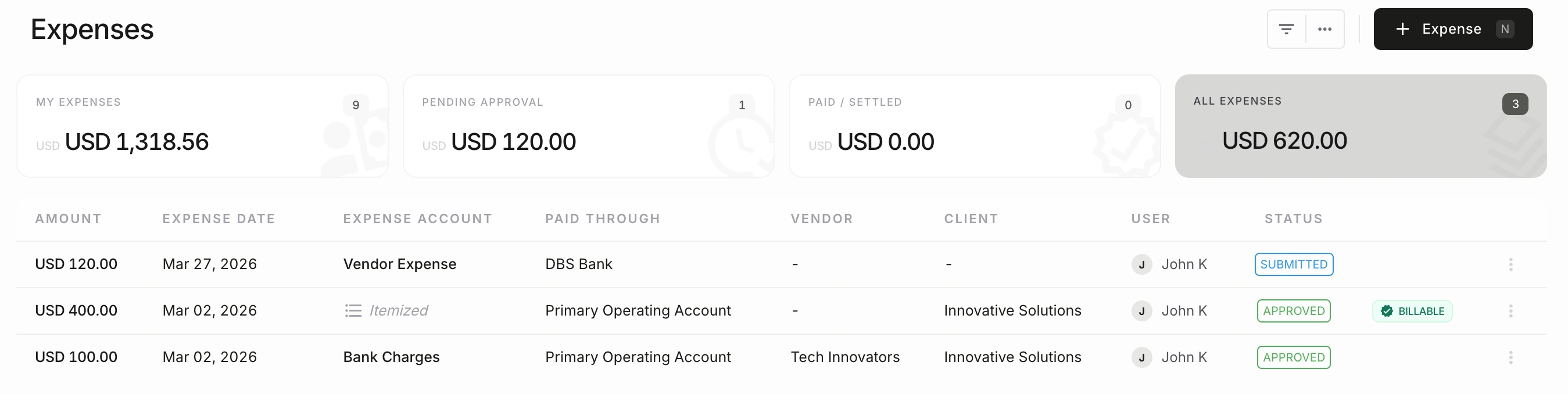
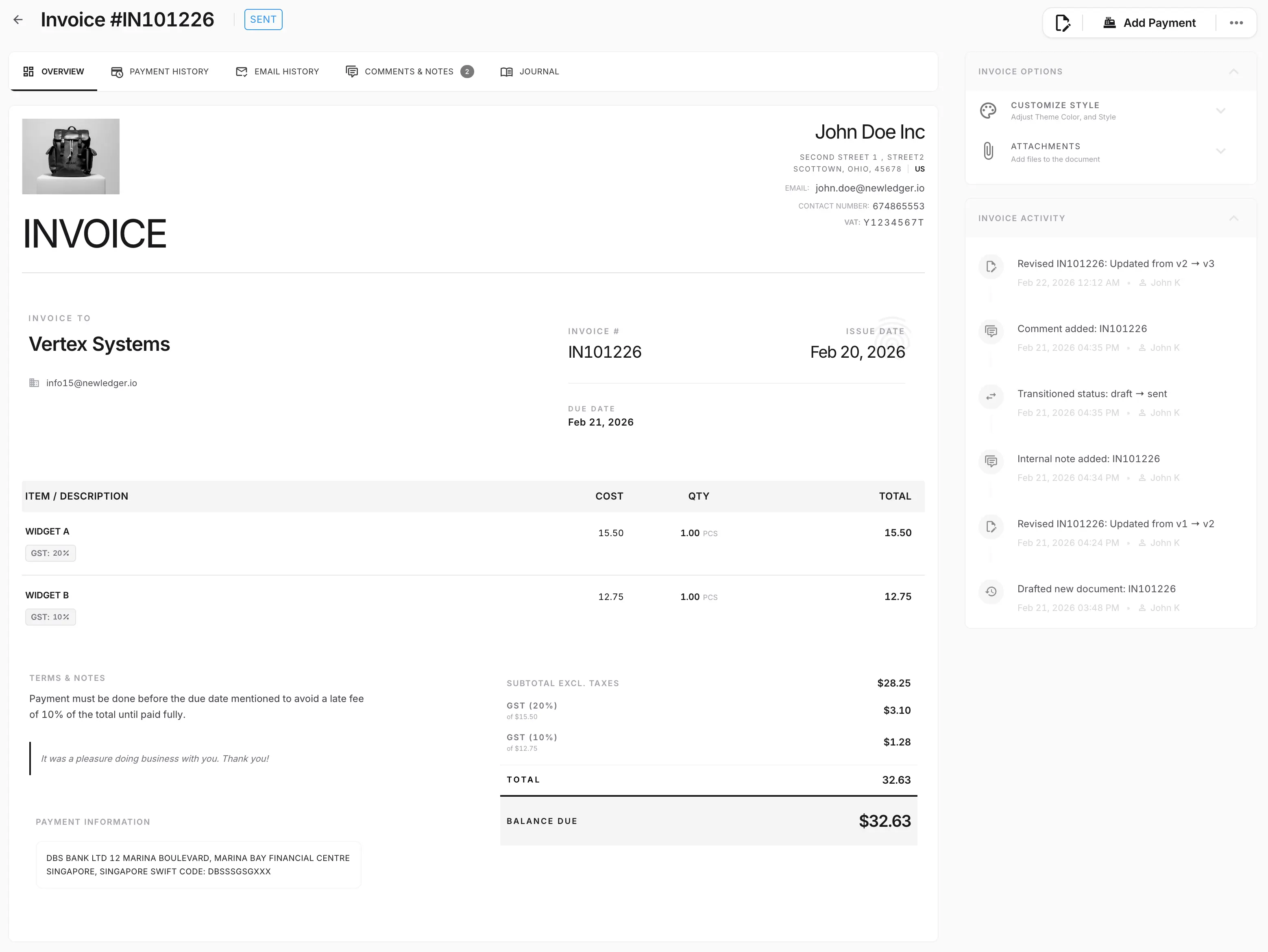
A job is how you deliver. Accounting software for construction still has to show billings, costs, cash, and firm reports. Progress invoices are accounting documents — not an AIA G702 generator.
Jobs vs firm
Project accounting lets you attribute costs and invoices to a build. The contractor still closes firm books unless each job is its own legal entity.
Progress vs forms
Bill percent-complete or milestones from the ledger while construction documentation stays in the specialist workflow.
Paperwork stays adjacent
Certificates of insurance, lien waivers, and 1099 filing belong in the tools and processes that already handle them. They are not built into NewLedger.
Field apps run the site. These are the records the contractor actually costs, bills, and closes.
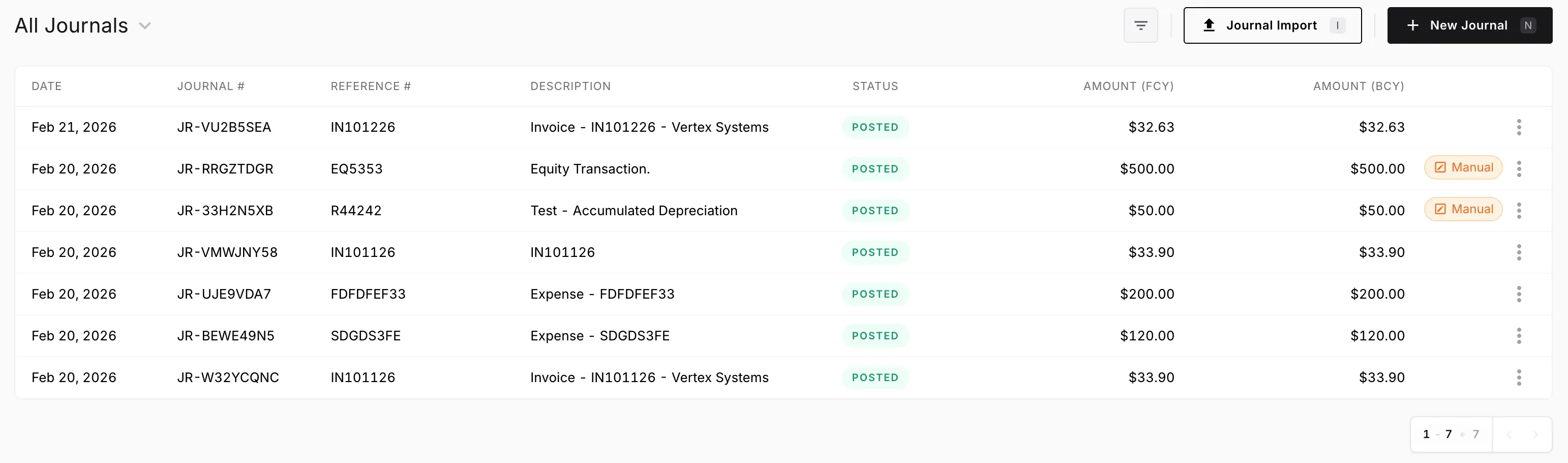
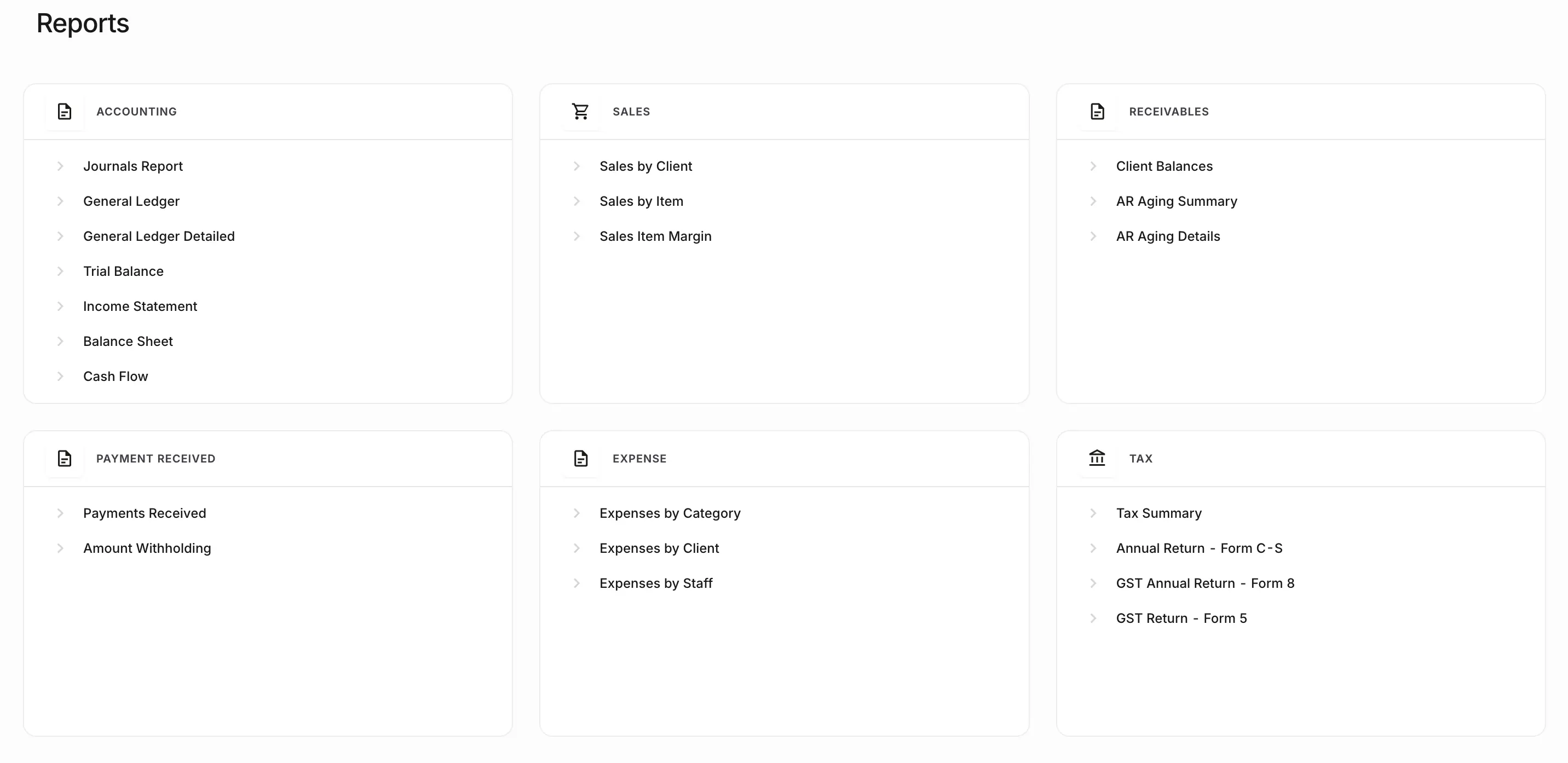
The jobsite system runs the field. The ledger runs costing, billing, and close.
Attribute materials, sub bills, and invoices to a job so job P&L is a view of the ledger.
Percent-complete and milestone invoices are accounting documents. They are not G702 output.
Reconcile draws, review change-order money, and report from the records just approved. WIP schedules remain a reporting process on top of those records.
Costing and billing are accounting documents on the job. Payment applications remain a specialist pack beside the books.
Materials and subcontractor bills post to the job so job P&L is a view of the ledger.
When the owner agrees a change, the extra work is billed as an invoice on the same job — not as a note in a field app.
Percent-complete or milestone invoices are accounting documents the firm can review. They are not G702/G703 output.
AIA payment applications, COI, and lien waivers stay in the documents and processes that already handle them. NewLedger does not generate those packs.
The accounting work is the same as any other contractor. The operating model is jobs instead of a construction ERP.
Attribute materials, sub bills, and invoices to a job so job P&L is a view of the ledger.
Project accountingBill from the same invoicing tools used elsewhere in NewLedger. Retainage is an accounting treatment you post — not an automatic withhold module.
Online invoicingMatch receipts to billed work so cash and AR can be explained together.
Bank reconciliationP&L, balance sheet, and cash flow come from the books just reviewed. WIP schedules remain a reporting process on top of those records.
Financial reportingRoute material bills, journals, and invoice changes to an owner before they close into the period.
Approvals and audit controlsPayments and operations connectors are listed on the integrations page. Confirm coverage; do not assume a tax-engine or AIA product is included.
Accounting software integrationsNewLedger keeps the books. Estimating, AIA packages, COI, and tax filing belong to the products that already do that work.
Invoices, bills, job attribution, reconciliation, review, and firm reports.
This page.
Bids, schedules, and field apps stay in construction operations software.
NewLedger keeps their accounting impact on the books.
Payment applications and subcontractor compliance packs are specialist documents and filings.
Not generated or filed by NewLedger.
Nexus, sales and use tax, and filing products stay next to accounting.
Tax outputs can support the entries finance reviews.
Use this page when you cost jobs and still need closable firm books. It is not a construction ERP.
For accounting firms managing client books, multi-entity finance teams, or software platforms requiring embedded accounting, explore the corresponding NewLedger or Paprel route.
Start at accounting firms, finance teams, growing businesses, or Paprel.
You cost jobs and still need closable firm books
Progress invoices can live on the ledger without an AIA generator
COI, lien, and 1099 work can stay adjacent
You want invoices, recon, and reports in one accounting system
Create a workspace and keep invoices, bills, reconciliations, and reports on the same books. Confirm connectors, permissions, and rollout details for your stack.