
01
Currency-aware records
Track original currency, base currency, exchange rate context, and accounting impact in one workflow.
NewLedger helps teams manage foreign currency activity with clearer records, exchange-rate context, and reporting workflows that reduce manual cleanup.
Connected to the ledger
The feature matters because it remains part of the accounting record—not because it creates another isolated task.
Track original currency, base currency, exchange rate context, and accounting impact in one workflow.
Support invoices, expenses, vendors, customers, and payments across currencies without losing accounting clarity.
Help finance understand currency activity and review records without rebuilding context manually.
See the workflow, review controls, and accounting outcome in one connected system.
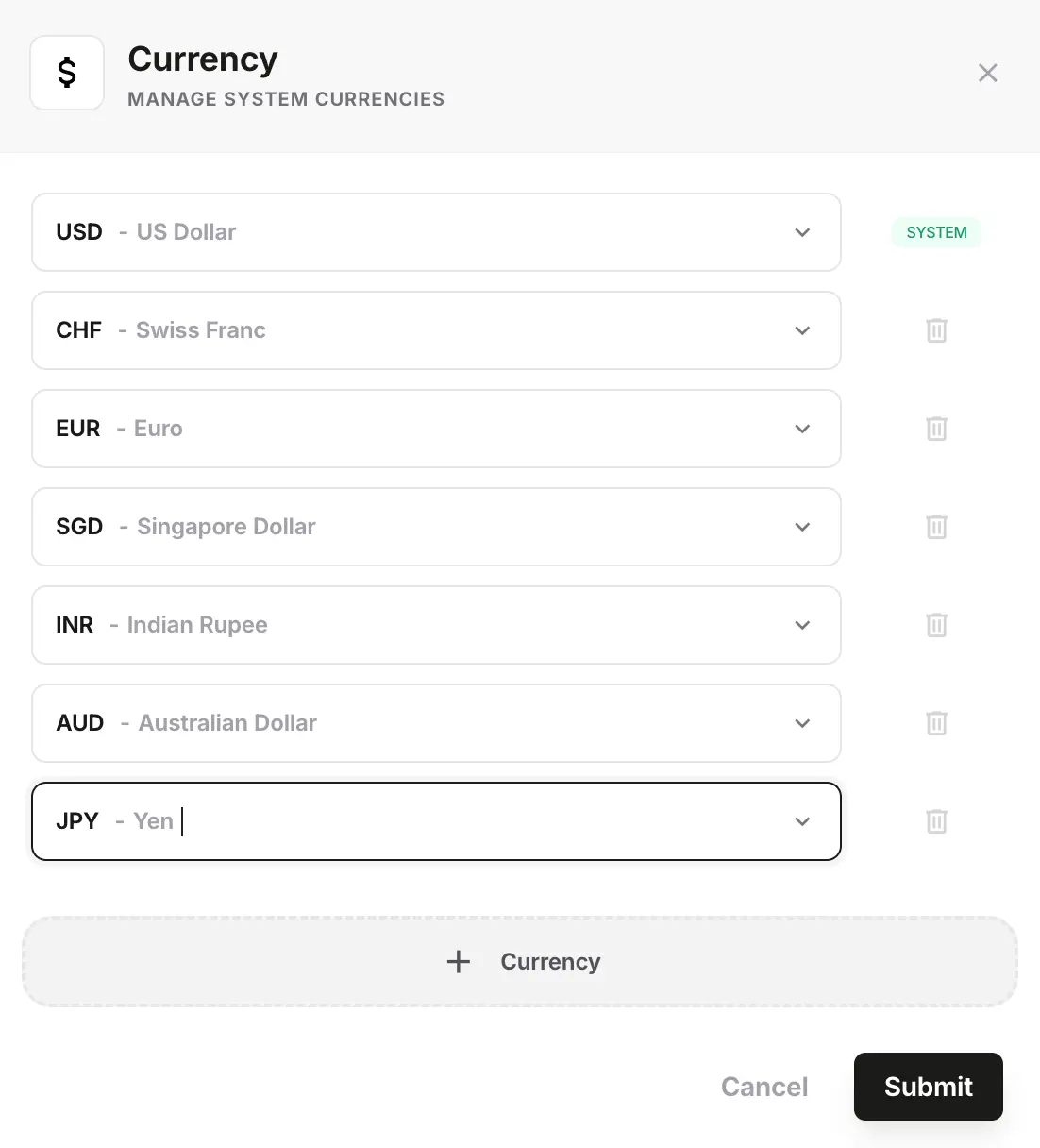
Multi-currency workflows become messy when setup is inconsistent. NewLedger helps teams add currencies in a way that keeps later billing, spend, and reporting work easier to manage.
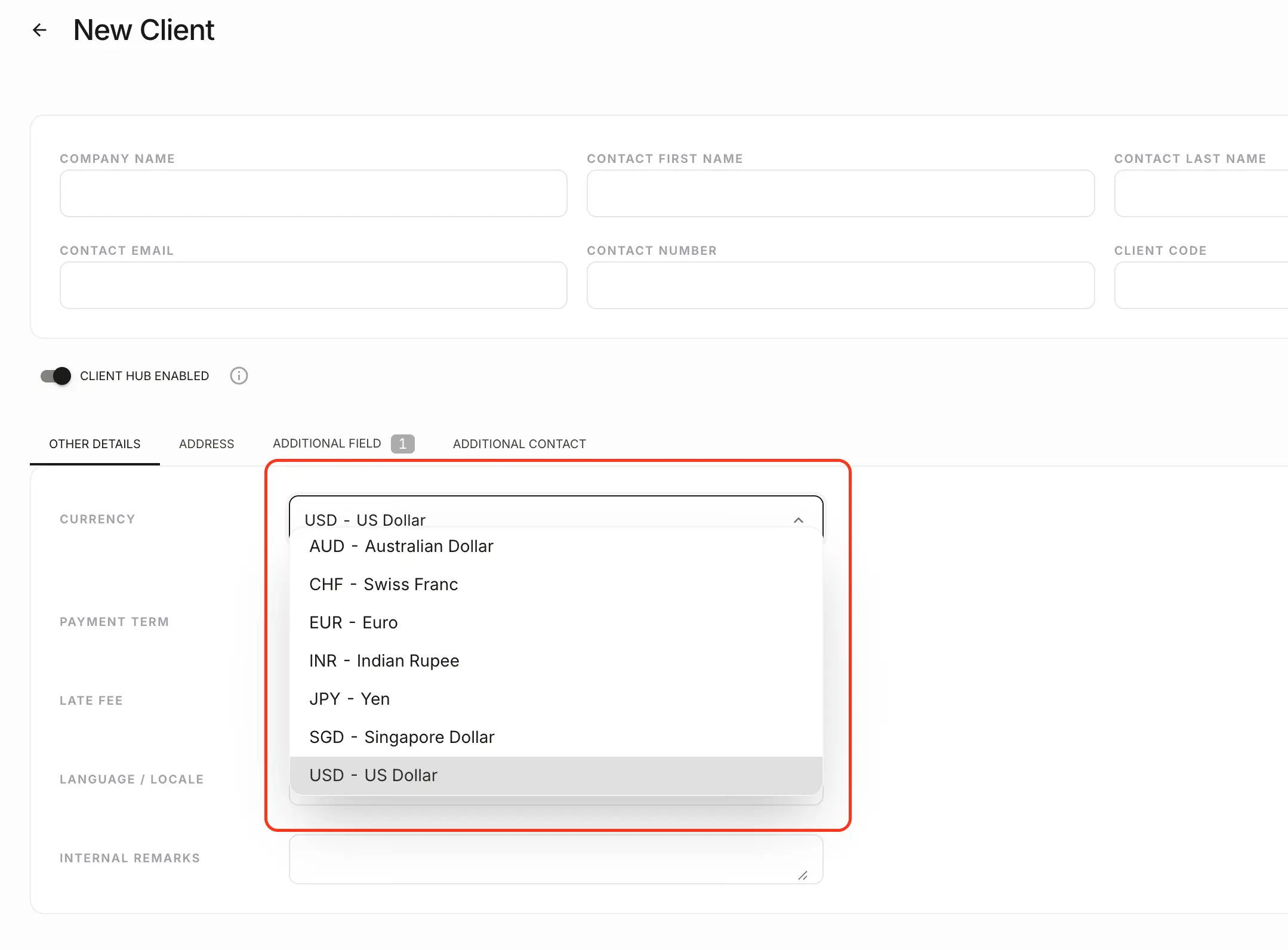
Global billing gets harder when finance has to remember which customer expects which currency. NewLedger helps teams keep that context visible at the client level instead of tracking it separately.
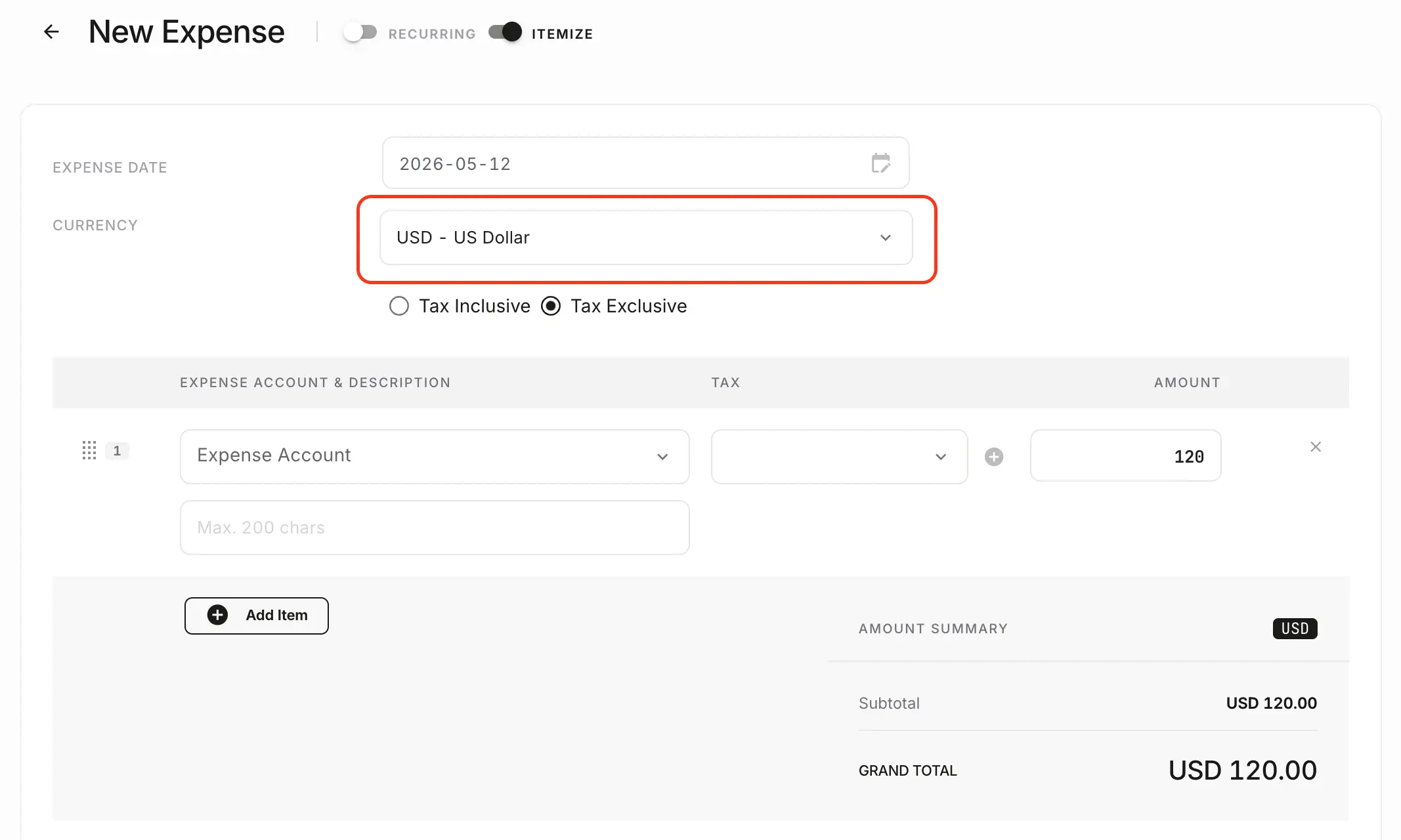
Expense workflows are where multi-currency complexity becomes operational. NewLedger keeps original amounts, converted values, and record-level context visible so finance can review spend without rebuilding the story later.
The workflow should hold up under review, stay connected to the record, and reduce cleanup when finance needs answers quickly.
Original and base currency context
Currency-aware invoices and expenses
Clearer reporting for global activity
Evaluate fit before rollout by checking how the workflow connects to records, controls, and reporting.
Yes. The workflow is designed for currency-aware invoices, expenses, exchange-rate context, and the accounting records behind those transactions.
Extend currency handling into broader finance operations when the organization is growing across markets.
Keep receipts, vendors, taxes, and exchange-rate context together for review.
Preserve reporting trust when balances and performance include multiple currencies.
Choose an effective period, start from the automatic rate, and check the rate used on an invoice.
Start with the capability you need now, keep its accounting impact visible, and add the rest of the workflow as your team grows.
Start with one workflowAdopt the capability your team needs first.
Keep the accounting contextReview its effect on the books in the same system.
Expand without rebuildingAdd controls and workflows as the operation grows.