
01
Structured transaction review
Bring banking, expenses, invoices, adjustments, and journals into a reviewable accounting workflow.
Invoices, bills, journals, and bank matches stay on a company ledger someone can review. Automation can support that work; it does not replace review, and a spreadsheet is not the books.
Connected to the ledger
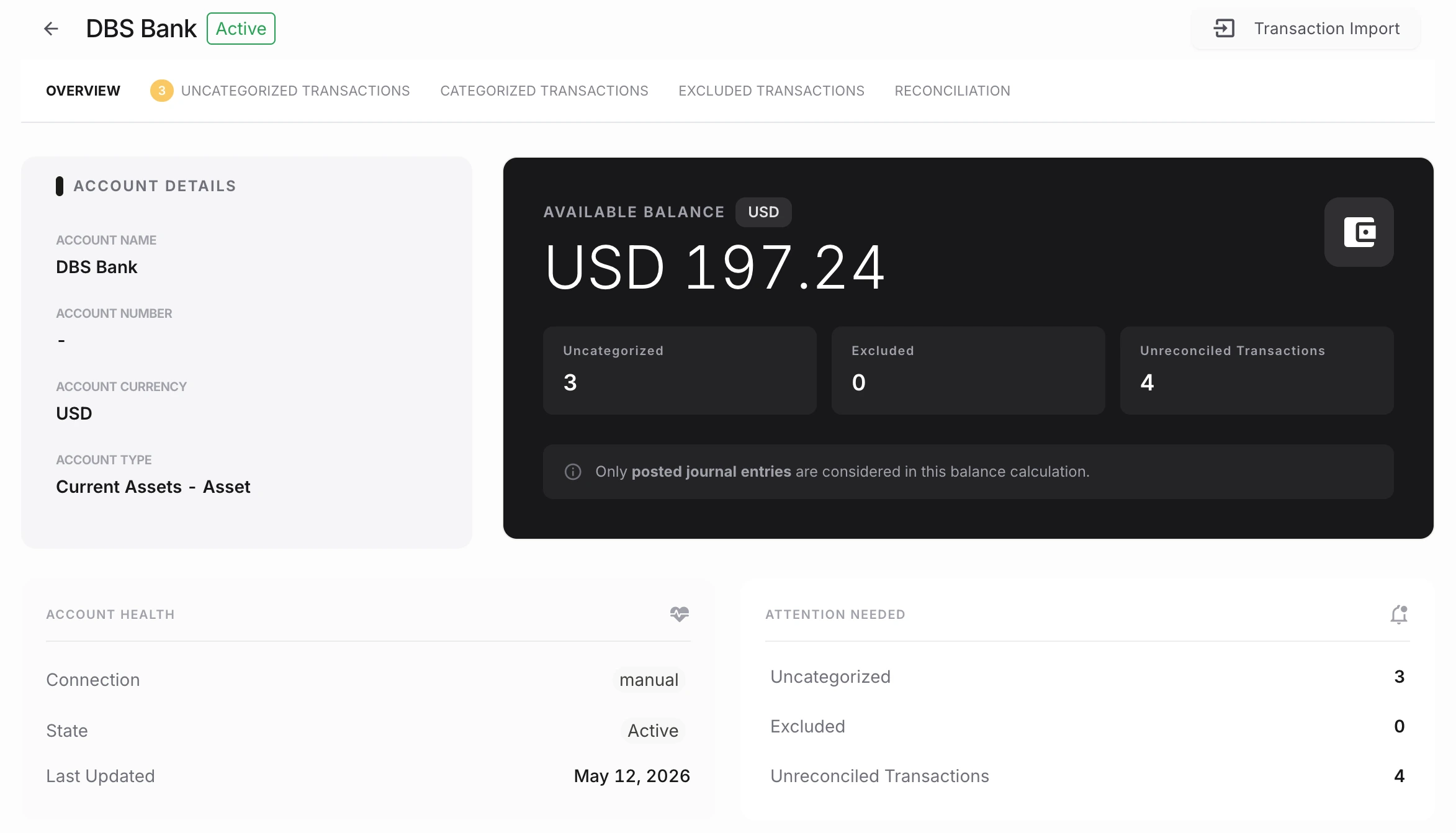
The feature matters because it remains part of the accounting record—not because it creates another isolated task.
Bring banking, expenses, invoices, adjustments, and journals into a reviewable accounting workflow.
Use consistent account, tax, vendor, and customer context to reduce repeated bookkeeping decisions.
Keep record history visible so reviewers can understand what changed and why.
See the workflow, review controls, and accounting outcome in one connected system.
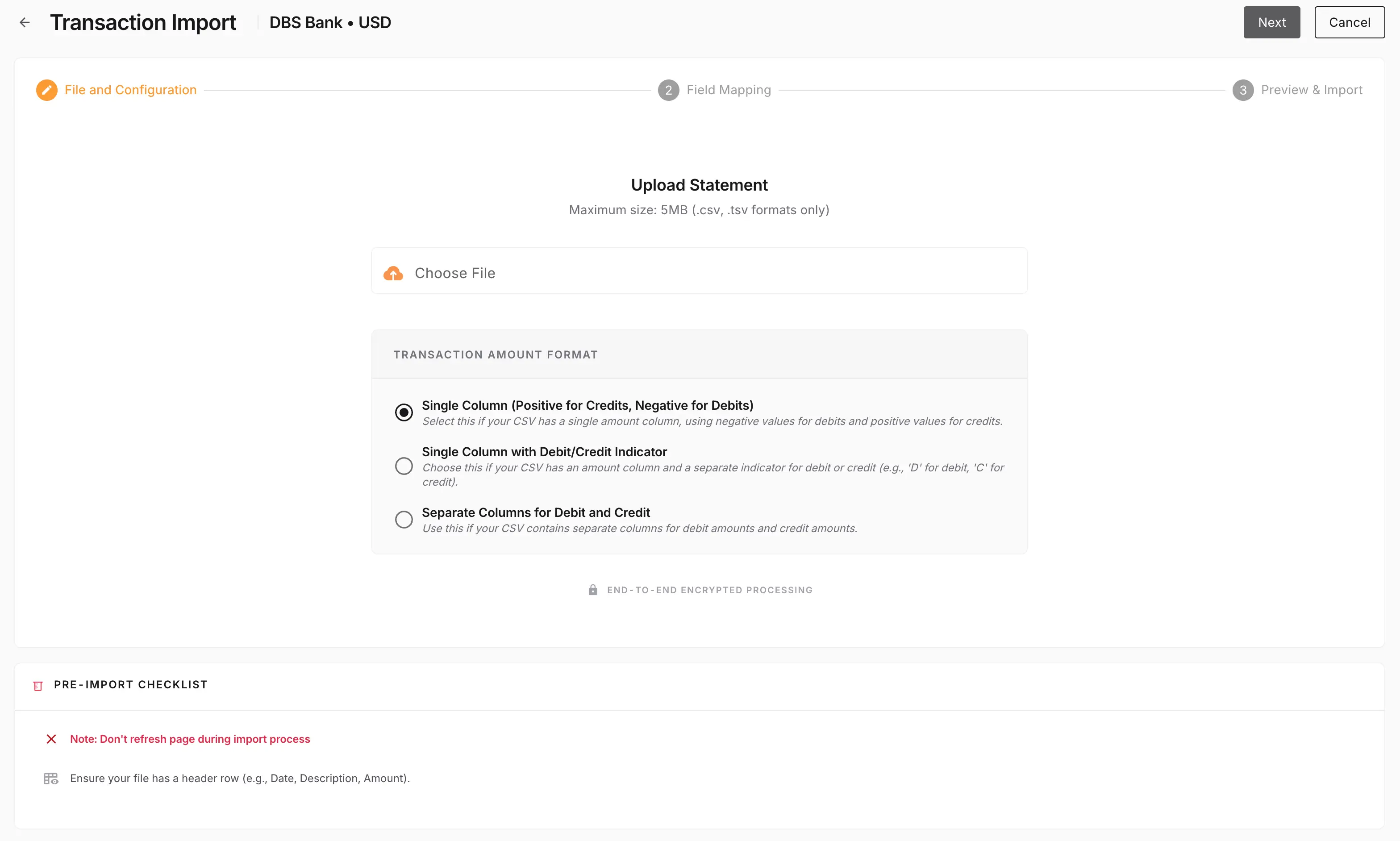
Automation works best when it reduces repetition without hiding the accounting story. NewLedger surfaces matched activity, review queues, and cleanup work in one place.
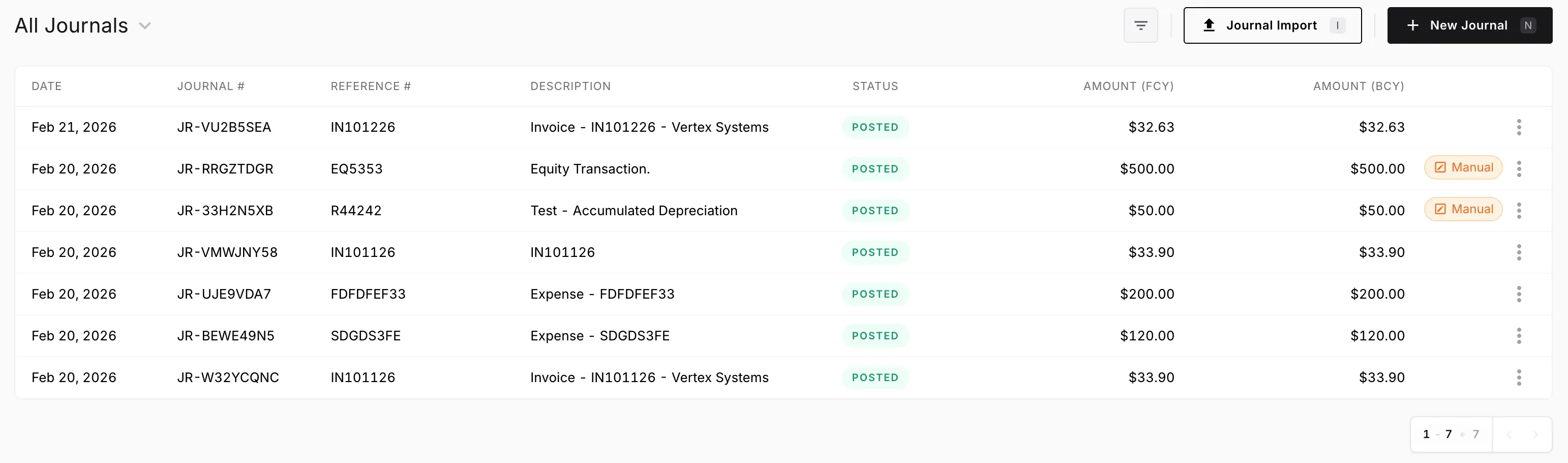
Instead of treating month-end as the first time everything gets checked, NewLedger keeps journals, statuses, and review workload visible throughout the period.
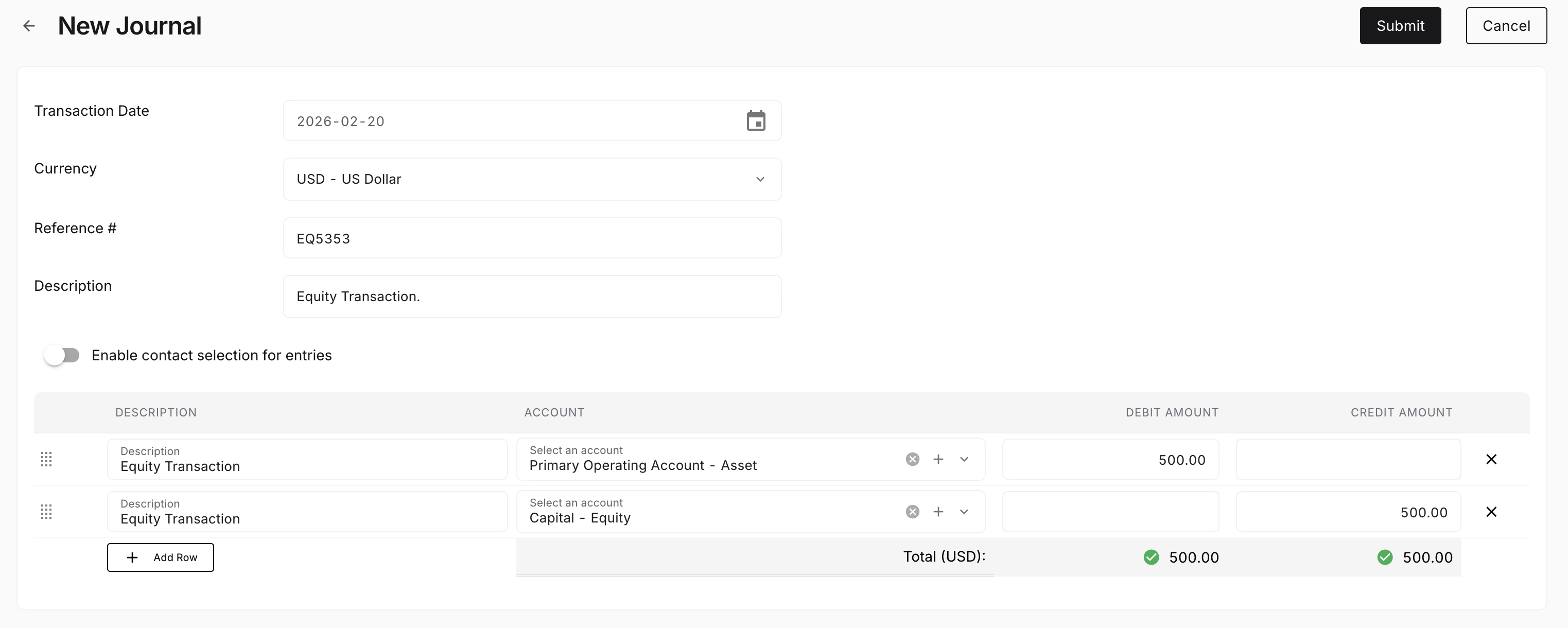
Teams still need to inspect lines, context, and posting detail when something looks off. NewLedger makes that review easier without leaving the bookkeeping workflow.
The workflow should hold up under review, stay connected to the record, and reduce cleanup when finance needs answers quickly.
Rule-assisted review
Consistent chart of accounts usage
Cleaner month-end preparation
Adjacent products collect orders, pay people, or move cash. Bookkeeping is the posted record those events have to explain.
Stays on the books
Billed work and adjustments post to the company ledger.
Costs remain reviewable records before they affect the period.
Corrections and cash activity stay with the records they explain.
Stays adjacent
They collect the order or subscription. They are not the ledger.
They originate activity. Connect where a connector exists and confirm coverage for your stack.
Useful for analysis, but not as a parallel set of books.
NewLedger fits when a company needs a daily accounting record it can review and close without reconstructing the same activity elsewhere.
Talk to salesAccounting firms running many client books should start with the accounting-firms category. Groups operating subsidiaries should start with finance teams. Platforms needing a headless ledger should evaluate Paprel.
Invoices, bills, journals, and bank matches belong on one ledger
Material items need an accountable reviewer before close
POS, payroll, and billing tools can remain adjacent
The company is keeping its own books—not operating a client portfolio
Evaluate fit before rollout by checking how the workflow connects to records, controls, and reporting.
It is the daily accounting record: invoices, bills, expenses, journals, and bank matches on a ledger someone can review. In NewLedger that work lives in the same books as reporting—not in a separate bookkeeping app.
Product information reviewed 2 September 2026. Confirm connector availability and rollout requirements for your organisation.
Bring rule-assisted bookkeeping closer to reconciliation and unresolved cash exceptions.
Keep automation comfortable for finance teams by pairing it with visible review and ownership paths.
See whether cleaner bookkeeping is improving balances, close confidence, and reporting trust.
Start with the capability you need now, keep its accounting impact visible, and add the rest of the workflow as your team grows.
Start with one workflowAdopt the capability your team needs first.
Keep the accounting contextReview its effect on the books in the same system.
Expand without rebuildingAdd controls and workflows as the operation grows.