
Credit Notes For Refunds And Billing Corrections
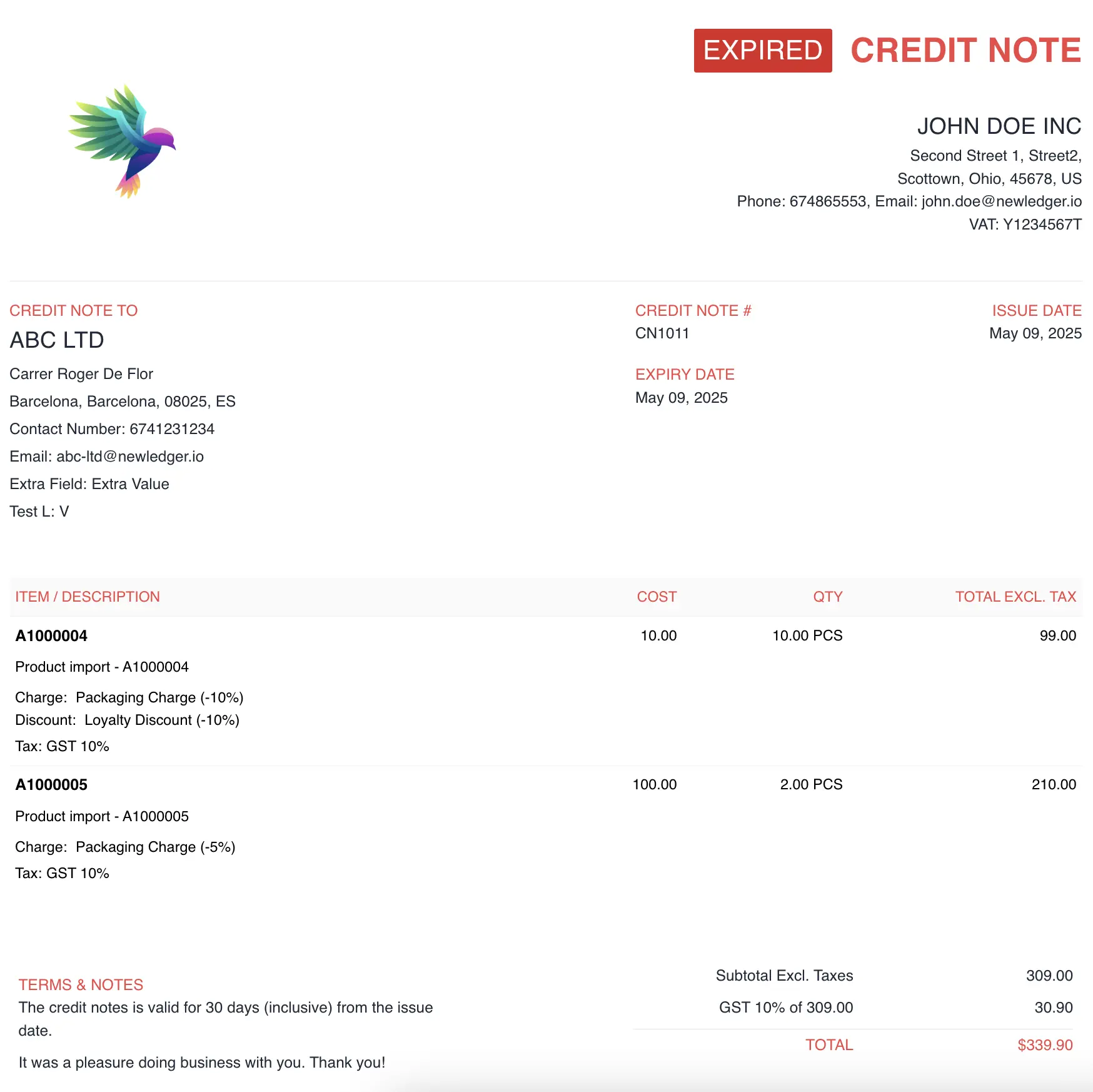
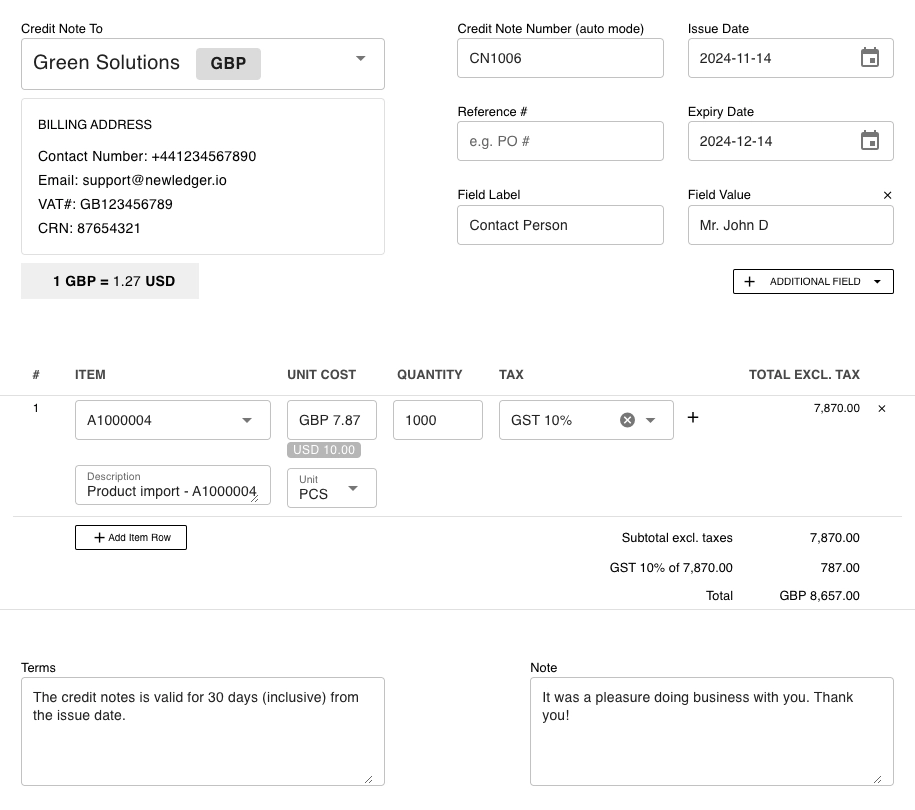
Create Credit Notes From Existing Billing Records
Start from the original invoice or transaction, carry the right customer and tax context forward, and make the adjustment without re-entering everything by hand.
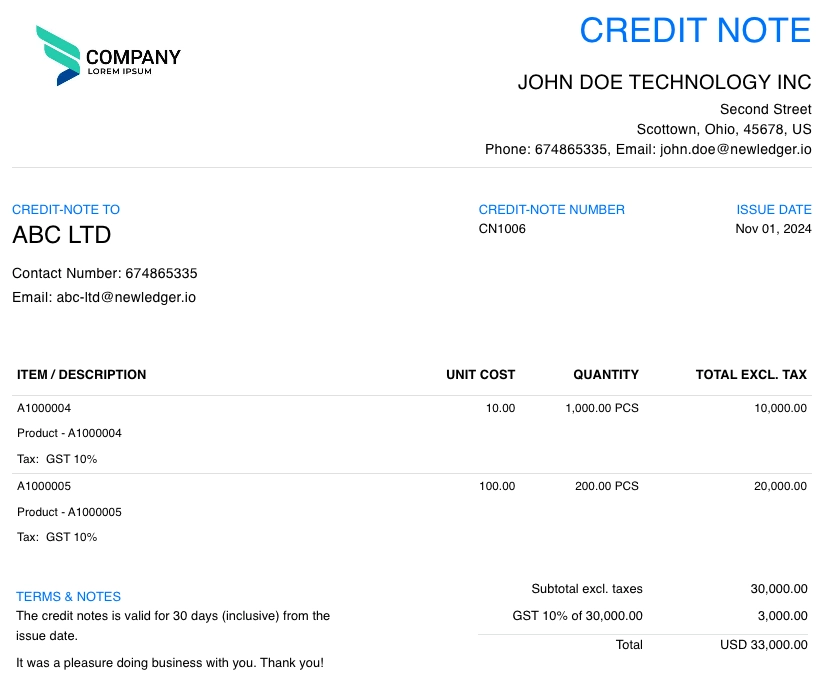
Track Credit Notes And Open Adjustments Clearly
Review status, customer context, and open balances in one place so teams can understand what has been issued, applied, or still needs follow-up.
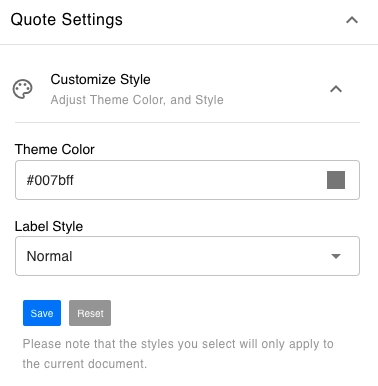
Use Branded Templates And Operational Fields
Keep customer-facing documents consistent with your billing process while adding the fields, references, and internal context your team needs.
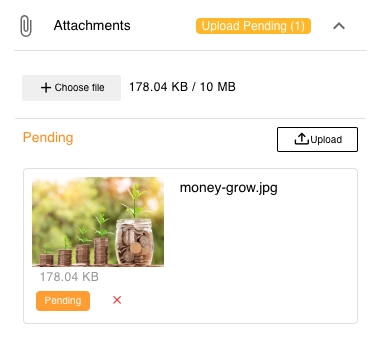
Attach Supporting Documents To The Adjustment
Attach PDFs, images, and supporting files so finance teams can review the reason for the credit note without chasing context elsewhere.
Add Approvals And Audit History Where Needed
Support review steps, user history, and controlled changes for teams that need stronger oversight of billing adjustments.
- Full audit trail with user comments & email/SMS delivery logs for transparency
- Export as PDF/Excel, print, or share via secure client portal for easy access
- Custom rules for auto-approvals, tax recalculation, and currency conversion for tailored workflows
Plan your migration or review plans first
Bring invoicing, bookkeeping, approvals, and reporting into one audit-ready workspace — with guided migration planning before your team changes daily workflow.
Choose the switch path before you start the trial
Start with QuickBooks, Xero, or Zoho and review rollout, controls, and validation before the team changes systems.
- QuickBooks, Xero, and Zoho switch paths
- Guided migration review
- Validation before go-live
Compare plans before you commit
Review Starter, Growth, and Custom options with per-user and client add-ons as your team scales.
- Starter and Growth plans with add-ons
- 50% off your first bill with OFF50
- Custom rollout for larger teams