
Per client
Many calendars
Deadlines are not one company close
A firm coordinates several reporting dates, owners, and exception lists at once. Status has to be comparable without combining the books.
Coordinate reconciliation, review, approval, period control, and reporting across separate client books—without a parallel close-status spreadsheet.
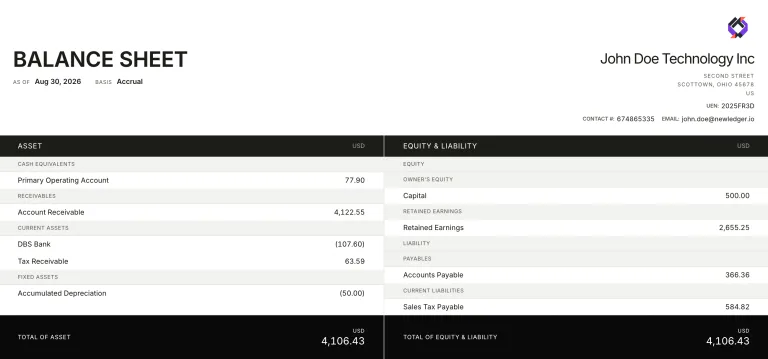
The accounting steps are familiar. The firm problem is running them across many clients at once: who is ready, what is blocked, and which book can be locked without mixing another client’s records.
Many calendars
A firm coordinates several reporting dates, owners, and exception lists at once. Status has to be comparable without combining the books.
Review load
Journals, bills, and unreconciled items should reach the responsible reviewer with the accounting outcome attached to the work.
Period control
Period close and reporting stay inside each organisation. A lock on one client does not freeze another client’s books.
Standardisation makes status comparable across the portfolio. It does not collapse client context or remove professional judgement.
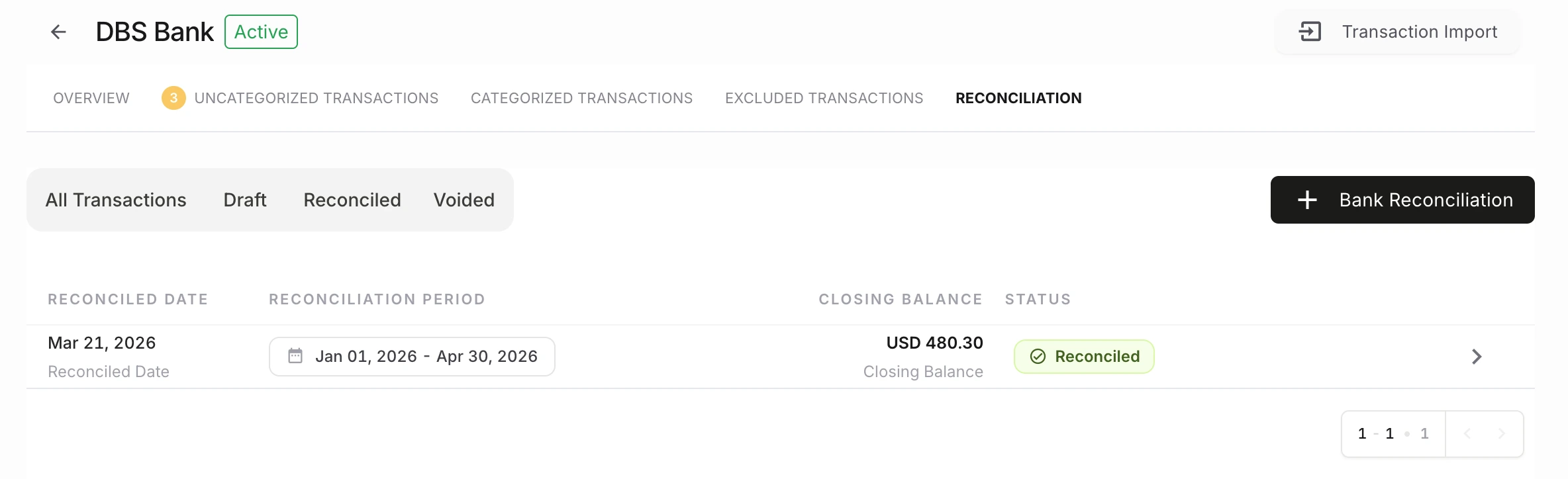
Collect missing records and identify unreconciled activity for that organisation before review starts.
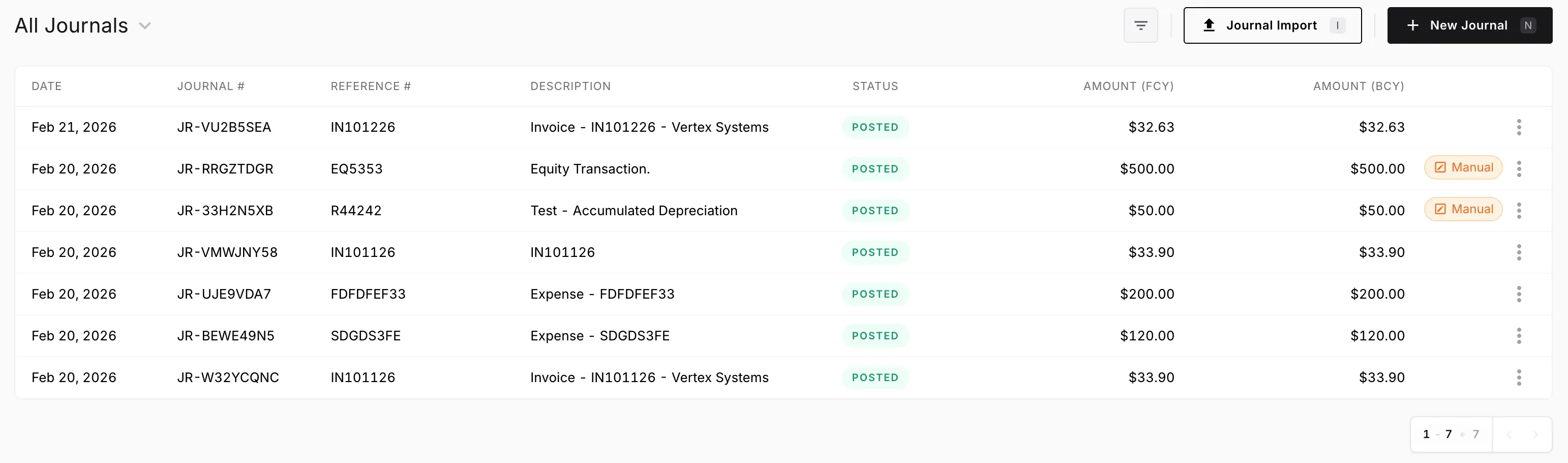
Route exceptions, journals, bills, and other items that change the close to the person accountable for them.
Record the decision on the work. Open questions should not sit in email while statements go out.
Close the agreed period for that client and keep the activity history with the records just reviewed.
Produce financial reports from the books the team just approved, then move to the next client workspace.
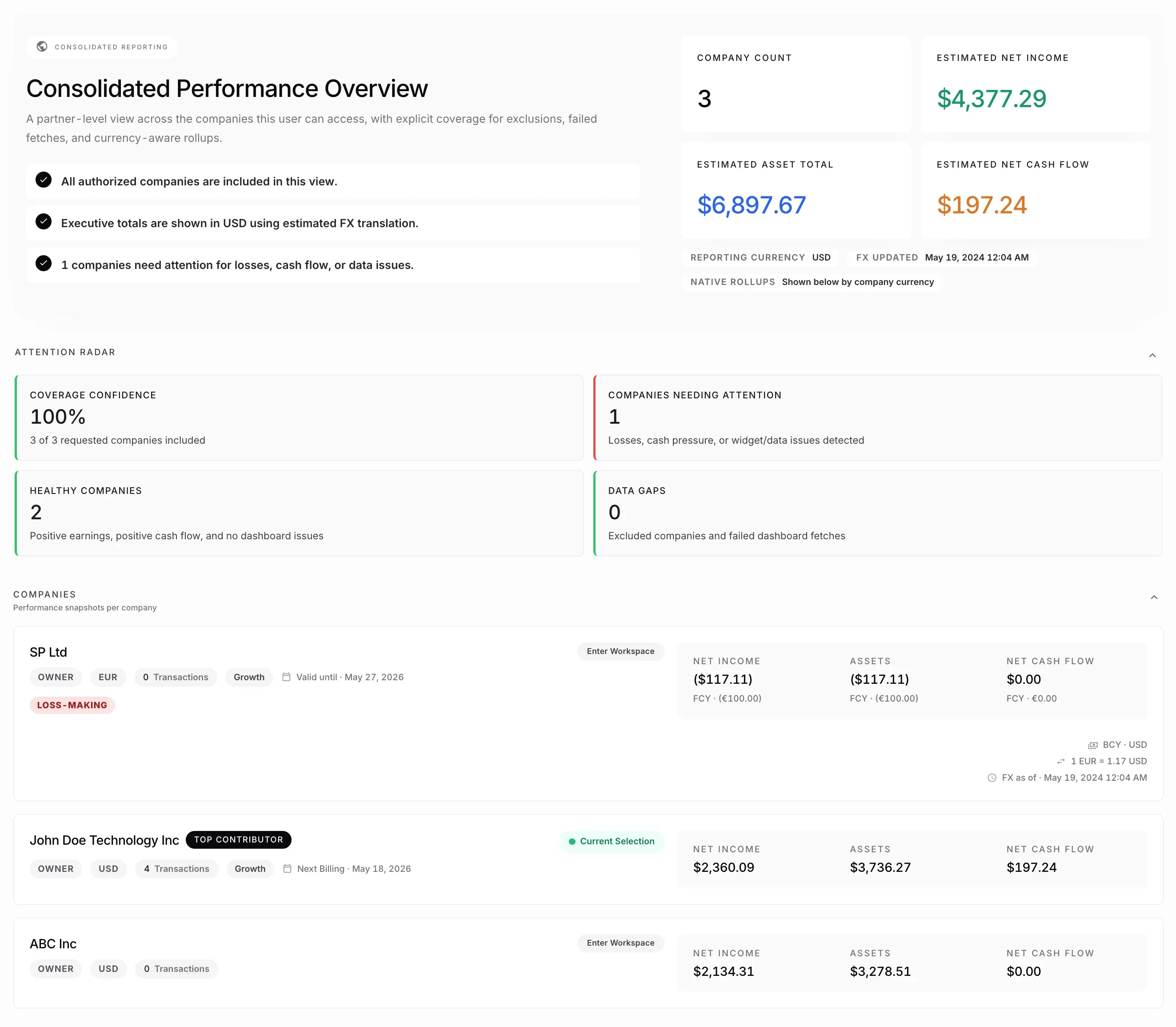
Partners should not reconstruct close status from chat threads. The useful view is which books are ready, blocked, or waiting on review.
The client book has cleared the agreed review path and can be locked.
Missing records, unresolved exceptions, or an open approval is holding the close.
Preparation is done; the item still needs the responsible reviewer.
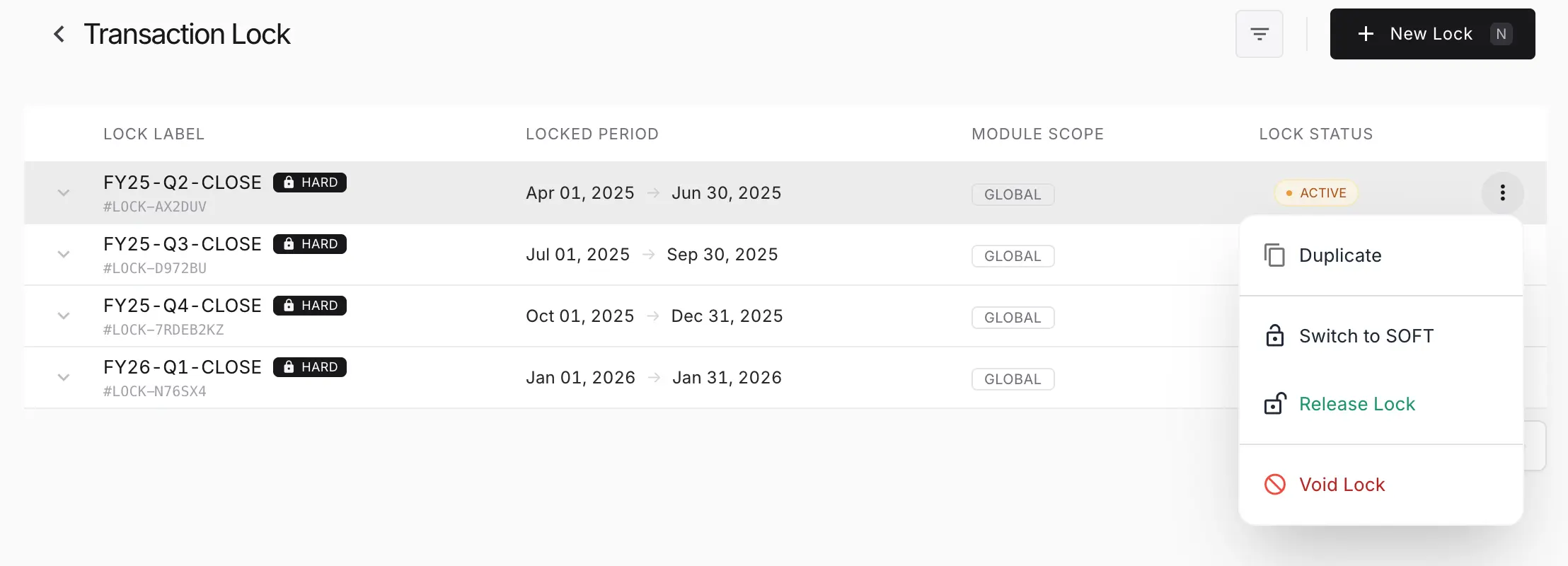
Rules, integrations, APIs, and MCP-based workflows can prepare work inside NewLedger. Reviews, approvals, access controls, and activity history remain the boundary around that automation.
A fit when
The firm wants the accounting records and the controlled close path in the same product, applied separately to each client book.
A narrower choice when
You only need a checklist layered over existing accounting systems. Dedicated close-management tools may be enough if the books stay somewhere else.
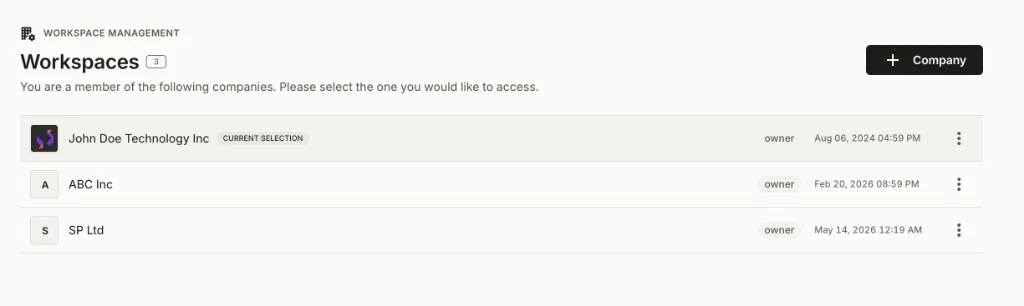
Month-end only holds if each close happens inside a distinct client ledger.
Software for multiple clients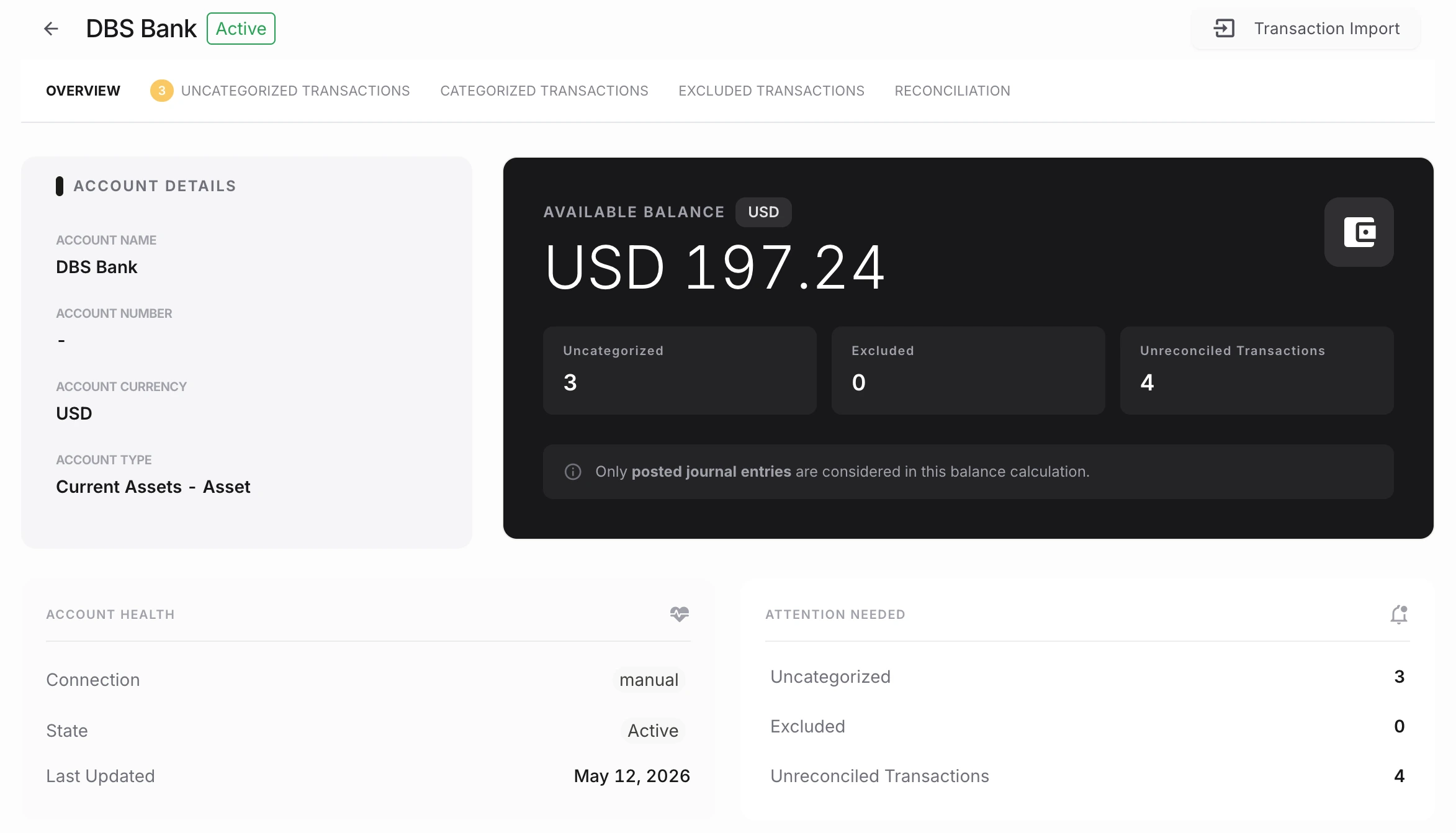
Unmatched activity stays in the same book the rest of the close is waiting on.
Bank reconciliationReview and approval remain human responsibilities, with a history attached to the work.
Reviews and approvals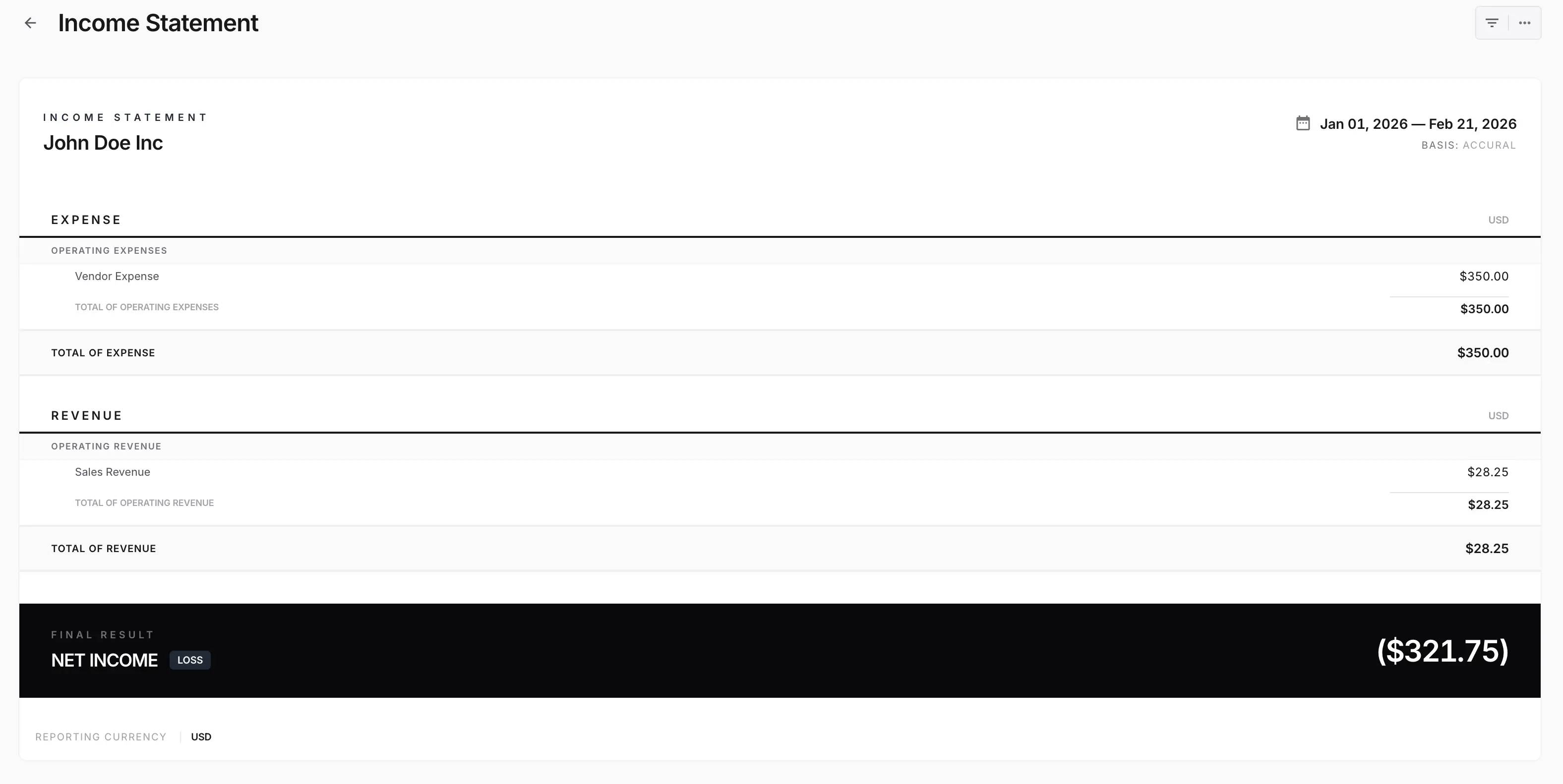
Statements are produced from the ledger the team just closed, not from a parallel spreadsheet.
Financial reportingNewLedger fits when month-end is how the firm finishes work already kept in each client ledger—not a separate tracker beside another product.
Discuss your close processFor the educational procedure, see the month-end close checklist.
The firm closes several client books on a repeating cycle
Partners need to see which closes are ready, blocked, or waiting
Reviews and approvals should happen before period lock
Reports should come from the same records just reviewed
It is software that coordinates reconciliation, review, approval, period control, and reporting across separate client books. The accounting steps resemble a single-company close; the operating problem is running that sequence many times without losing ownership or mixing ledgers.
A checklist layered on another system tracks tasks. Month-end close software for firms is useful when the records, reviews, period controls, and reports live in the same product as the status the partner sees.
No. NewLedger can support rules, integrations, API access, and MCP-based workflows for routine work. Accountable people retain review and approval responsibility, with activity history around those actions.
Yes. Client books remain separate, so reporting calendars and operating details can be defined for each organisation.
No. The checklist is educational procedure. This page is the commercial category: software for running that rhythm across a firm’s client portfolio.
Product information reviewed 1 September 2026. Confirm connector availability and rollout requirements for your firm.
Run preparation, review, lock, and reporting on a few books first. Expand once owners and exceptions are visible without a side spreadsheet.